Geometry Dash PC (Full Online Edition)
Popular Geometry Dash PC Versions & Spinoffs
12 Playable Editions 🔥 VIRAL 2.2
 🔥 HOT
🔥 HOT
 🔥 TRENDING
 ⚡ WAVE v2.2
 💀 DEMON
 ⭐ POPULAR
 ⭐ CLASSIC
 ⚡ BREEZE
 🔥 NEON
 ⚡ VER 2.2
 💀 EXTREME
 🔥 INSANE
 ⭐ 3D MOD
About Geometry Dash PC
Geometry Dash PC is the premier online browser edition of the world-renowned rhythm-based platformer created by RobTop Games. In this fast-paced arcade game, you command a customizable geometric cube, jumping, flying, and flipping in perfect synchronization with an energetic electronic music soundtrack.
Unlike traditional platformers, Geometry Dash PC requires split-second precision, spatial memory, and rhythm synchronization. Explore our complete browser collection featuring the classic starter stages in Geometry Dash Lite PC, bite-sized burst gauntlets in Geometry Dash World, arctic physics in Geometry Dash SubZero, and the viral Update 2.2 sensation Lobotomy Dash (Fire in the Hole).
Z to drop green diamond checkpoints and master difficult demon obstacle sections!
How to Play Geometry Dash on PC (Keybinds & Controls)
| Action | Keyboard Keybind | Mouse & Touch |
|---|---|---|
| Jump / Flip | Spacebar, Up Arrow (↑), W |
Left Click anywhere on screen |
| Wave Mode | Hold key to ascend (45°), Release to descend | Hold click to fly up, release to glide down |
| Practice Checkpoint | Z key (Drop Checkpoint) |
Tap Checkpoint Icon |
| Delete Checkpoint | X key (Remove Last Checkpoint) |
Tap Undo Checkpoint |
| Restart Level | R key or Crash |
Tap Play Again |
Geometry Dash Levels & Difficulties
Geometry Dash features multiple official level difficulty tiers designed to test player reflexes (read community guides on the Geometry Dash Fandom Wiki or check the official Steam release):
- Easy (1-2 Stars): Stereo Madness & Back on Track — try the foundational levels in Geometry Dash Lite PC.
- Normal (3-4 Stars): Polargeist & Dry Out — featuring jump rings and gravity pads, plus compact island stages in Geometry Dash World and tropical vibes in GD Breeze.
- Hard (5-6 Stars): Base After Base & Can't Let Go — tighter corridors, plus lightweight community mechanics in GD Scratch Edition.
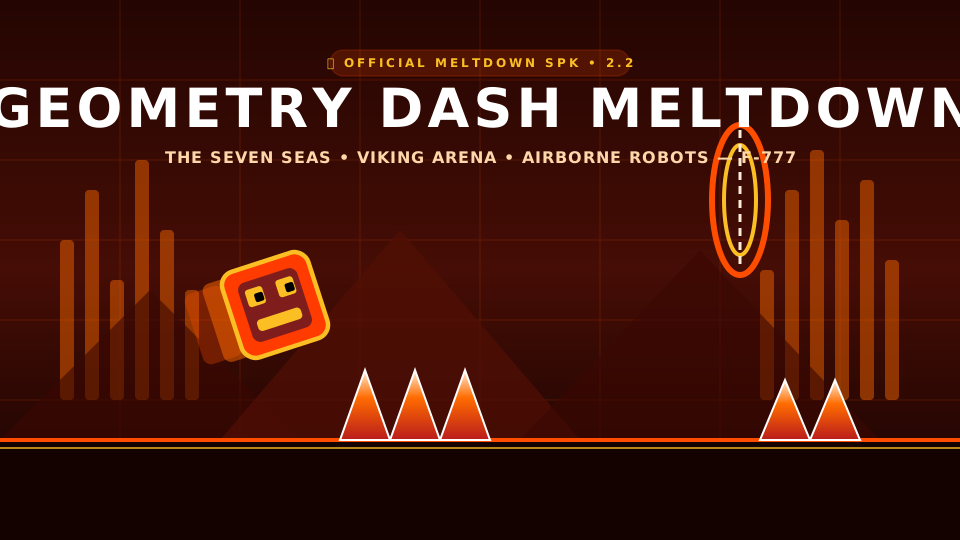
- Harder (7-8 Stars): Jumper & Time Machine — high-speed rocket flight and fiery magma traps in Geometry Dash Meltdown.
- Insane (8-9 Stars): Cycles, xStep, Clutterfunk, and sharp 45-degree slalom maneuvers in Wave Mode v2.2.
- Demon (10 Stars): Clubstep, Theory of Everything 2, Deadlocked, and extreme community challenges like Bloodbath Demon.
Frequently Asked Questions (FAQ)
Yes, absolutely! Our web edition runs entirely inside modern web browsers (Chrome, Edge, Firefox, Safari) using HTML5 Canvas and Web Audio technology. No Steam install, no APK download, and no plugins are required.
Yes! Because this game portal runs client-side over HTTPS with zero external bloatware or heavy trackers, it remains lightweight, safe, and easily accessible across school Chromebooks and workplace computers.
Most professional Geometry Dash players prefer using the Spacebar or Up Arrow key because mechanical keyboard switches provide near-zero debounce latency. You can also use left-click on a gaming mouse.
Click the 💎 Practice button in the top HUD. While playing, press the Z key to drop a green diamond checkpoint. If you crash, you instantly respawn at your checkpoint instead of restarting from 0%!
Demon is the highest official difficulty rating in Geometry Dash (such as Bloodbath and Sonic Wave). They feature narrow 1-block spike gaps, inverted gravity corridors, and lightning-fast wave navigation.